
Base64 to Image Converter
Decode a Base64 string into an image and download it as PNG, JPG, WebP, GIF, or other formats. Everything runs in your browser — no uploads, fully private.
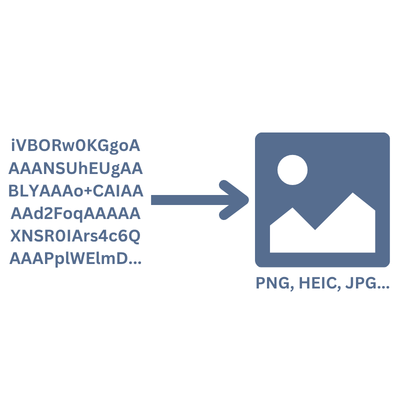
How to convert Base64 to an image
- 1Paste your Base64-encoded string into the text area (with or without the data URI prefix).
- 2If there is no data URI prefix, select the target image format from the dropdown.
- 3Click "Decode" to generate the image preview.
- 4Optionally change the file name, then click "Download Image" to save it.
Frequently Asked Questions
What is a Base64-encoded image?
Base64 is a way to represent binary data (like an image file) as plain text. It is commonly used to embed images directly in HTML, CSS, or JSON without needing a separate file.
Does this tool handle the data URI prefix automatically?
Yes. If your string starts with data:image/png;base64, (or any other MIME type), the tool detects the format automatically. If the prefix is missing, you can choose the format manually.
Which image formats are supported?
You can decode Base64 into PNG, JPEG, WebP, GIF, SVG, BMP, and ICO. The browser renders the result, so any format your browser supports will work.
Is my data kept private?
Absolutely. The entire decoding process runs in your browser. No data is uploaded to any server.
Can I change the file name before downloading?
Yes. There is a file name field above the download button. Type any name you like and the correct extension will be added automatically.
What if the Base64 string is invalid?
The tool validates the input before decoding. If the string contains illegal characters or is malformed, you will see an error message explaining the issue.
I have another question
We are always happy to get feedback to expand the tool or clarify things.