Convert Image to Base64 Online
Convert any image to a Base64-encoded string instantly. Get output as raw Base64, Data URI, HTML, CSS, Markdown, or JSON. Drag & drop multiple files or click to upload - all processing happens securely in your browser.
Allowed Filetypes: All image formats (JPG, PNG, TIFF, RAW, etc.)
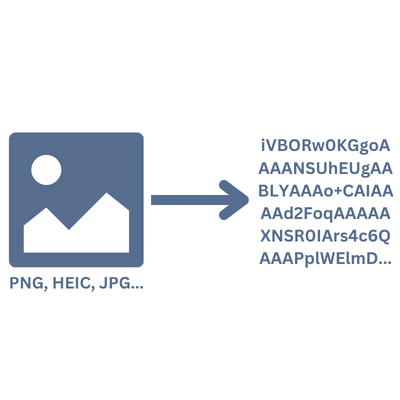
How to Convert an Image to Base64
- 1Upload your image file by clicking on the upload area or drag & drop
- 2The image is automatically converted to a Base64 string
- 3Switch between output formats using the tabs (Raw Base64, Data URI, HTML, CSS, Markdown, JSON)
- 4Click 'Copy' to copy the output to your clipboard
Frequently Asked Questions
What is Base64 encoding?
Base64 is a binary-to-text encoding scheme that represents binary data (like images) as ASCII text. It's commonly used to embed images directly in HTML, CSS, or JSON without needing separate image files.
Which image formats are supported?
The converter supports all common image formats including JPEG, PNG, GIF, WebP, AVIF, BMP, SVG, and ICO. Any image your browser can read will work.
Is my image data safe?
Yes, absolutely! All conversion happens locally in your browser. Your images are never uploaded to any server or shared with third parties.
Why is the Base64 string larger than the original image?
Base64 encoding increases the data size by approximately 33%. This is because it converts every 3 bytes of binary data into 4 ASCII characters. This trade-off is accepted because Base64 strings can be embedded directly in text-based formats like HTML and CSS.
When should I use Base64-encoded images?
Base64 images are useful for small icons, logos, or UI elements that you want to embed directly in HTML or CSS to reduce HTTP requests. For larger images, it's generally better to use regular image files as Base64 increases the file size.
Can I convert Base64 back to an image?
Yes! You can use our Base64 to Image Converter to decode a Base64 string back into a downloadable image file.
I have another question
We are always happy to get feedback to expand the tool or clarify things.