Beautiful screenshots on your Mac
Imagy Screenshot is a free, native Mac app from Imagy. It brings fast capture and clean annotation together with built in Imagy cloud storage, so every screenshot looks sharp and is ready to share in seconds.
Everything you need to capture, annotate, and share
From the first shortcut to a shareable link, Imagy Screenshot handles the whole flow.
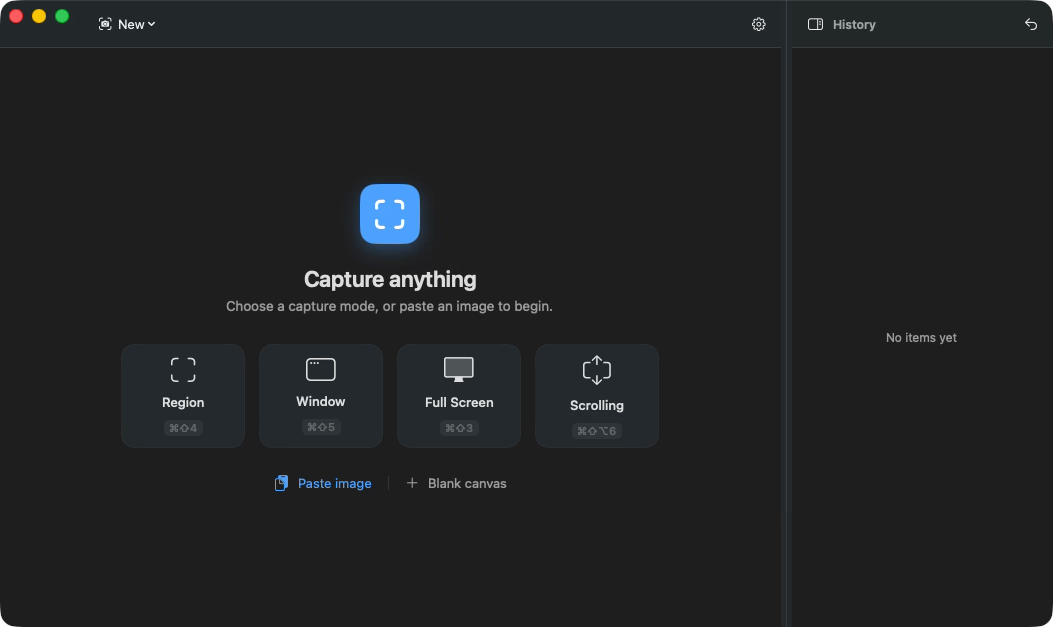
Fast and easy screenshot creation
Capture a full screen, a single window, or a precise selection with one shortcut. No setup and no clutter, just a crisp screenshot in an instant.
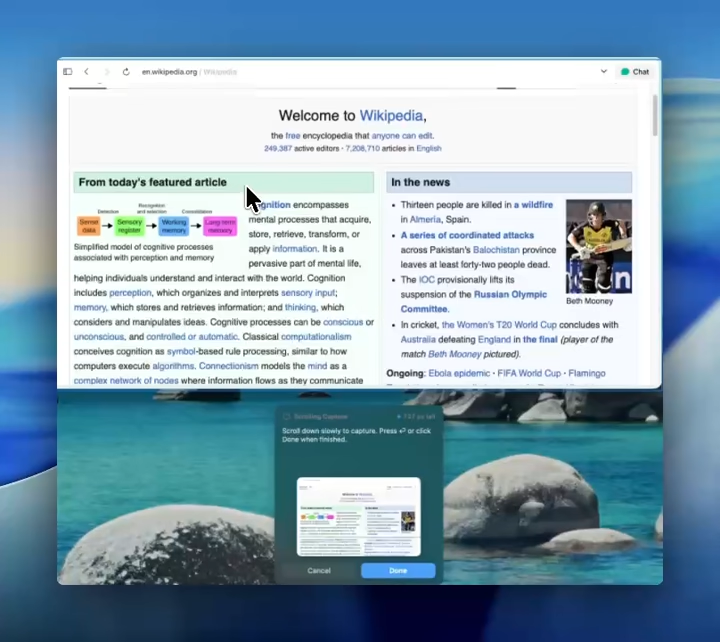
Scrollable screenshots
Capture entire pages, long chats, and documents in a single image, in any app or window, not just the browser. Imagy Screenshot stitches the whole scroll together automatically.
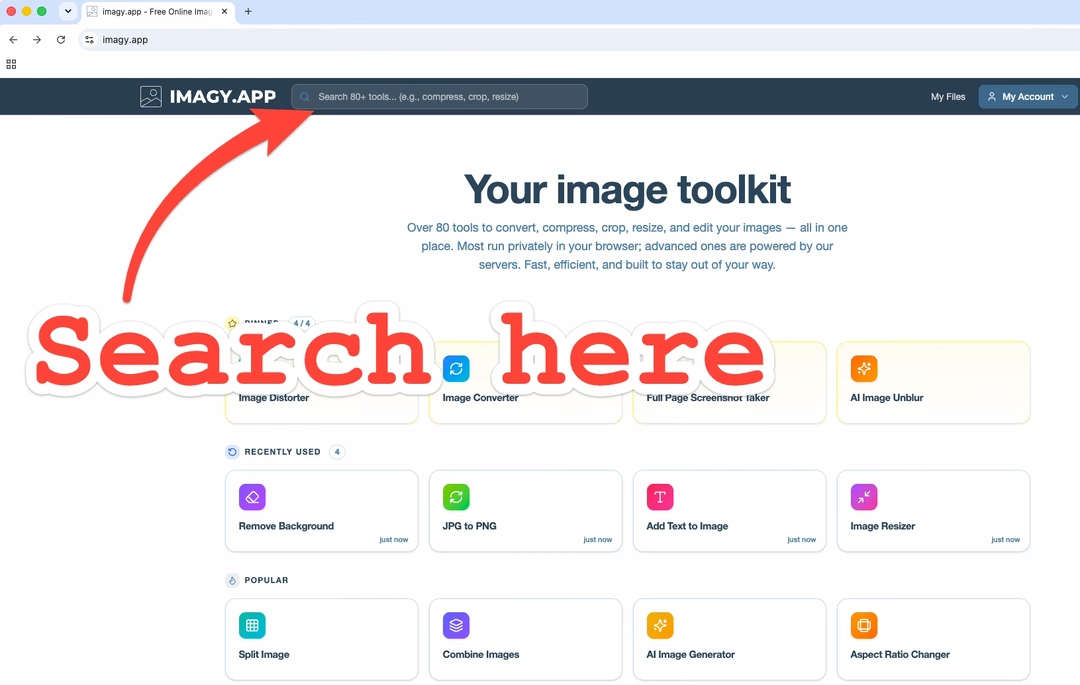
Simple and easy annotation
Add arrows, text, and shapes the moment you capture. Point to exactly what matters and get your message across in seconds.
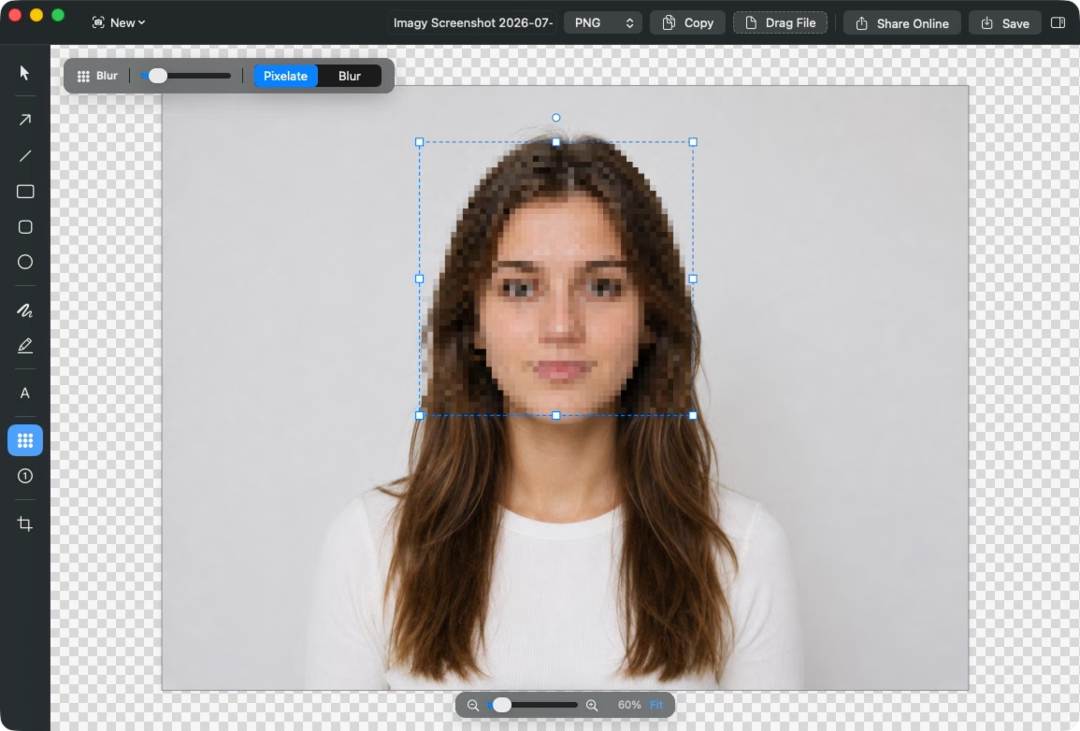
Pixelation and highlighting
Blur out sensitive details with a click and highlight the parts you want people to notice. Share with confidence.
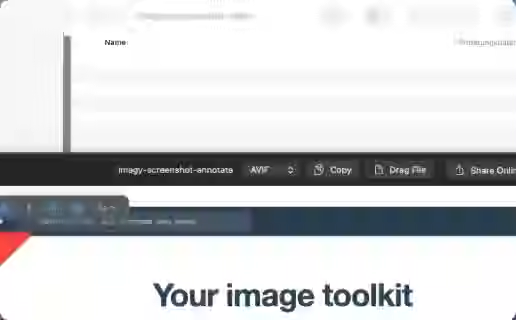
Choose file type and export with ease
Switch between PNG, JPG, and more, rename your file, and drag it straight into any app or folder. Exporting is as quick as the capture.
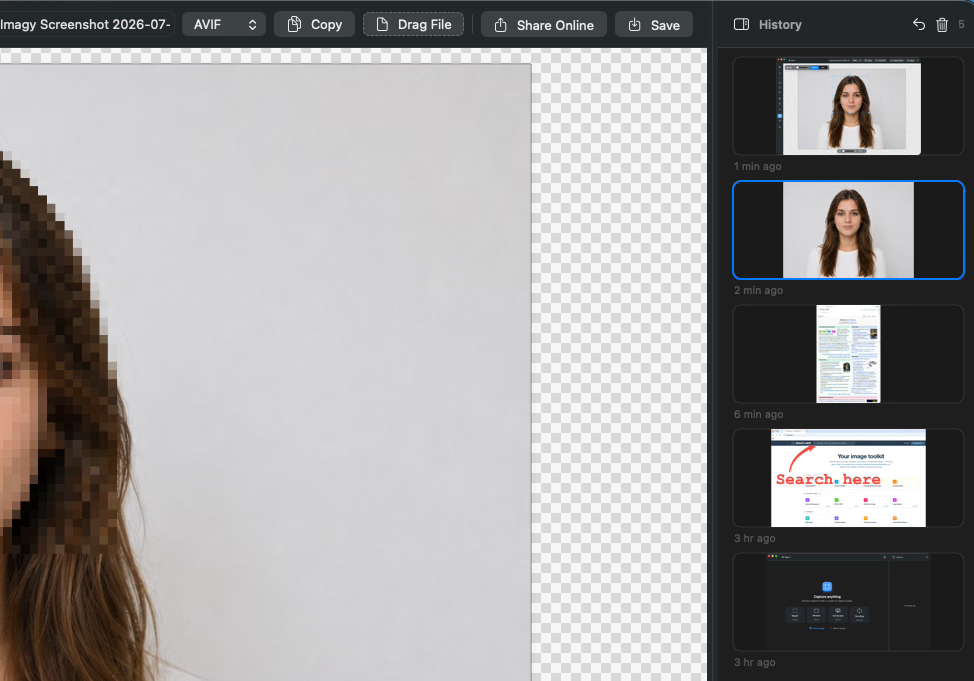
Screenshot history at your fingertips
Every capture is kept in a searchable history, so you can find, reopen, and reshare an earlier screenshot in seconds. Nothing gets lost.
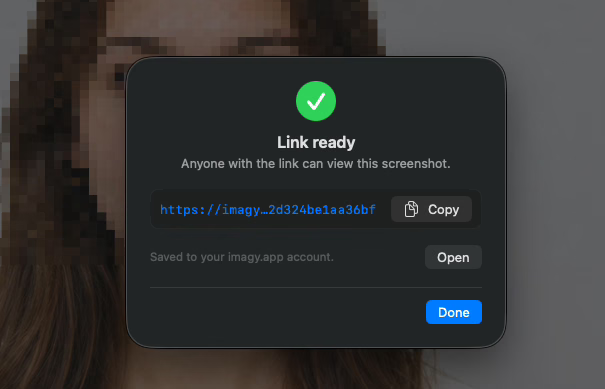
Shareable links with direct uploads to imagy.app
Upload to the cloud and get an instant shareable link copied to your clipboard. Send a screenshot to anyone, anywhere, in one step.
Ready to capture your best screenshots?
Download Imagy Screenshot free from the Mac App Store and start in seconds.
Frequently asked questions
Is Imagy Screenshot free?
Yes. You can download Imagy Screenshot from the Mac App Store and start capturing right away.
Which macOS versions are supported?
Imagy Screenshot supports recent versions of macOS. Check the Mac App Store listing for the exact requirements.
Do my screenshots leave my Mac?
Only when you choose to share them. Capturing and editing happen on your device, and a screenshot is uploaded to imagy.app only when you create a shareable link.
Can I edit screenshots after capturing?
Yes. You can crop, annotate, blur, and highlight right after you capture, all in the same app.
How is this different from the built in macOS tool?
Imagy Screenshot adds scrolling capture, fast annotation, pixelation, one click sharing, and a smoother workflow on top of basic capture.
I have another question
We are always happy to get feedback to expand the tool or clarify things.