DPI Converter: Change Image DPI
See an image's DPI the moment you add it, then change it: set 300 DPI without touching a single pixel, or resize to exactly the pixels a print size needs (4×6, 8×10, A4, posters). The new DPI is written into the JPEG or PNG file. Everything runs in your browser; your images are never uploaded.
Allowed Filetypes: All image formats (JPG, PNG, TIFF, RAW, etc.)
How to change the DPI of an image
- 1Add one or more images: click the upload area, drag files in, or paste from the clipboard. The current DPI and print size show right away
- 2Choose “Only the DPI” to keep every pixel, or “Resize for a print size”
- 3Pick a DPI: 300 for photo prints, 150 for posters, or enter your own
- 4For a print size, pick a preset (4×6, 8×10, A4, posters …) or type width × height in inches, cm or mm, and choose fit inside or crop to fill
- 5Check the pixels, print size and effective DPI, then download
Change image DPI: frequently asked questions
How do I change the DPI of an image?
Add the image above, keep “Only the DPI” selected, pick 300 (or any value) and download. For JPEG and PNG only the DPI field in the file is rewritten (JFIF and EXIF for JPEG, pHYs for PNG), so every pixel stays exactly as it was and there is no quality loss.
How do I check the DPI of an image?
Add it to the DPI converter: the DPI stored in the file appears immediately, with where it is stored (EXIF, JFIF, Photoshop or PNG pHYs) and the size the image prints at. If the file has no DPI at all, it says so; most programs then assume 72 DPI. You don’t have to download anything to check.
Does changing the DPI change the quality or file size?
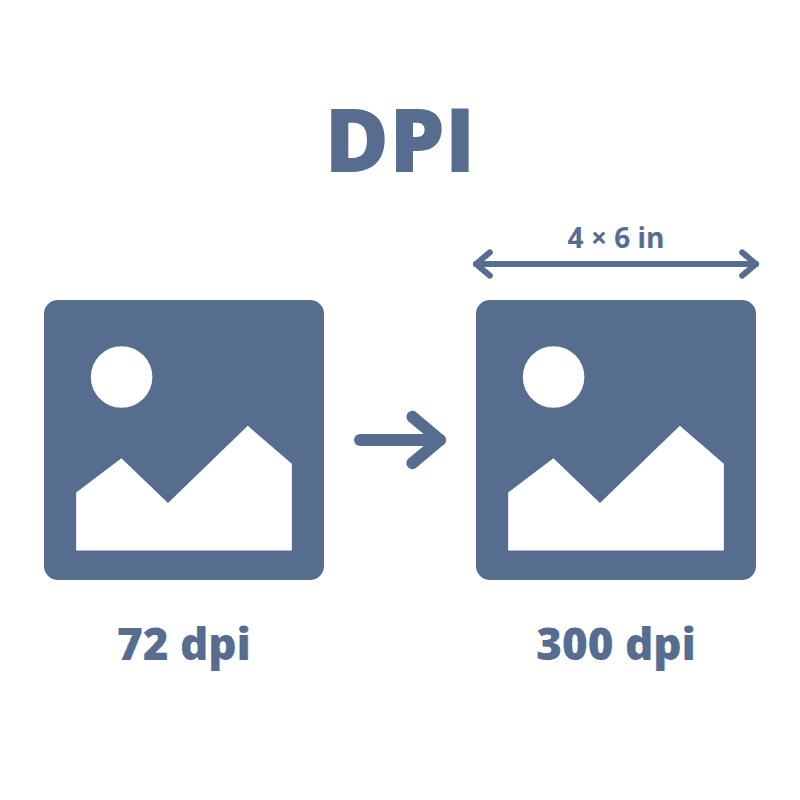
No. DPI is only a label that tells printers how many pixels to put in one inch. The same 3000 × 2000 pixels print at 10 × 6.7 in at 300 DPI and at 41.7 × 27.8 in at 72 DPI, with identical sharpness on screen. Only resizing to a print size changes the pixels.
How many pixels do I need for a 300 DPI print?
Multiply the print size in inches by 300. A 4×6 in photo needs 1200 × 1800 px, 5×7 needs 1500 × 2100, 8×10 needs 2400 × 3000, A4 (8.27 × 11.69 in) needs 2480 × 3508 and A3 needs 3508 × 4961. Choose “Resize for a print size” and the tool shows the exact number for your size.
What DPI should I use for printing?
300 DPI for photos and documents you look at up close. 150–200 DPI is enough for posters and large prints seen from a few steps away. Under about 150 DPI prints look soft up close. 72 or 96 DPI is only an old screen convention; screens ignore the DPI value entirely.
Why does my image still say 72 DPI after exporting from GIMP, Krita or Photoshop?
Many export paths (“Save for Web”, screenshots, phone apps, messengers) drop the DPI or write the 72 default, and some apps show 72 when the file stores nothing. Drop the exported file here, choose 300 and download: the pixels stay the same and every common program then reads 300 DPI.
Can I make a small image sharp at 300 DPI?
Not by changing DPI. If an image has fewer pixels than the print size needs, it gets enlarged and the tool warns you: enlarging adds no detail. For real extra detail use the AI Image Upscaler first, then set the DPI here.
What is the difference between “Fit inside” and “Crop to fill”?
Fit inside keeps the whole image: it is scaled until it fits the print size, so one side may come out shorter. Crop to fill fills the exact size, for example a 4×6 photo print, and cuts off the edges that don’t fit, centered. The preview shows what gets cut.
Which formats can I use?
You can add JPEG, PNG, WebP, AVIF, HEIC, TIFF, BMP and GIF (first frame). JPEG and PNG stay JPEG and PNG. WebP, AVIF and HEIC have no DPI field that photo and print programs honor, so they are saved as JPEG, or PNG when they have transparency.
Are my images uploaded?
No. Reading and writing the DPI, resizing and encoding all happen in your browser. Your images never leave your device.
How do I print an image larger than my printer’s paper?
Set the size and DPI here, then use Print Image on Multiple Pages to split it into A4 or Letter sheets with cut marks and print it as a poster at home.
I have another question
We are always happy to get feedback to expand the tool or clarify things.