Image to SVG Converter
Turn PNG, JPG or WebP images into clean, scalable SVG vectors right in your browser. Ideal for logos, icons, line art and cut files. Nothing is uploaded.
Allowed Filetypes: JPEG, JPG, PNG, WebP, GIF, AVIF, BMP
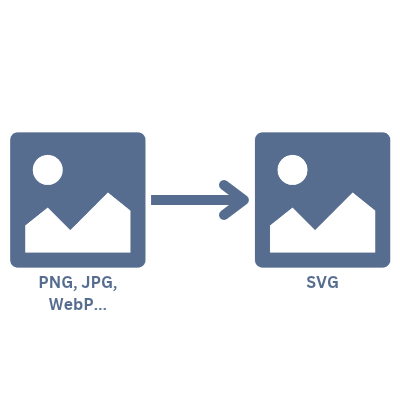
How to convert an image to SVG
- 1Select your images or drop them into the grey area above. PNG, JPG, WebP, GIF, AVIF and BMP work.
- 2Each image is traced automatically. Drag the divider in the preview to compare the SVG with the original, or zoom in to check the details.
- 3Pick a style (Auto, Logo, Clean, Detailed, Photo or Black & white) and adjust colours, detail and the transparent background if you like.
- 4Click Download SVG. Several images are converted in one go and delivered as a ZIP.
Frequently asked questions about converting images to SVG
How do I convert a PNG or JPG to SVG?
Drop the image above. The converter traces it into vector shapes in your browser and shows a live before-and-after preview. Adjust the style, colour count and detail, then download the SVG.
Is the result a real vector file or just an embedded image?
A real vector file. Every shape is a path with a solid fill, so you can scale it to any size, edit it in Illustrator, Inkscape, Affinity or Figma, and send it to a cutting machine.
Which images work best?
Logos, icons, clip art, line art and flat illustrations convert almost perfectly. Photos become posterised vector art with a limited number of colours: pick the Photo style and raise the colour count for more nuance.
Does it keep transparent backgrounds?
Yes. With the transparent background option on, transparent areas of a PNG stay empty in the SVG instead of becoming a white shape. Turn it off if you want a solid background.
Are my images uploaded to a server?
No. Tracing runs entirely in your browser using WebAssembly, so your files never leave your device.
Can I use the SVG with Cricut, Silhouette or a laser cutter?
Yes. The Clean and Black & white styles produce simple, closed shapes with flat colours, which is what cutting and engraving software expects. Import the SVG into Cricut Design Space, Silhouette Studio, LightBurn or similar.
Why does my SVG have jagged or blurry edges?
Very small or heavily compressed JPGs carry little edge information. The converter already upscales small images before tracing; for best results, start from the largest, cleanest version of the image you have.
Can I convert several images at once?
Yes. Add as many files as you like. They are all traced automatically, and the download button delivers them together as a ZIP.
I have another question
We are always happy to get feedback to expand the tool or clarify things.