AI Image to Prompt Converter
Turn any image into a ready-to-use AI prompt in seconds. Upload a picture and get a prompt written for Midjourney (with the aspect-ratio flag added automatically), Stable Diffusion, or Flux — or a universal prompt for Nano Banana (Gemini), GPT Image, and any other generator. Copy it in one click or open it straight in our AI image generator; Pro converts batches of up to 10 images in parallel. Free to try, no sign-up needed.
Allowed Filetypes: PNG, JPEG, WebP
Max size: 15MB • Max files: 10
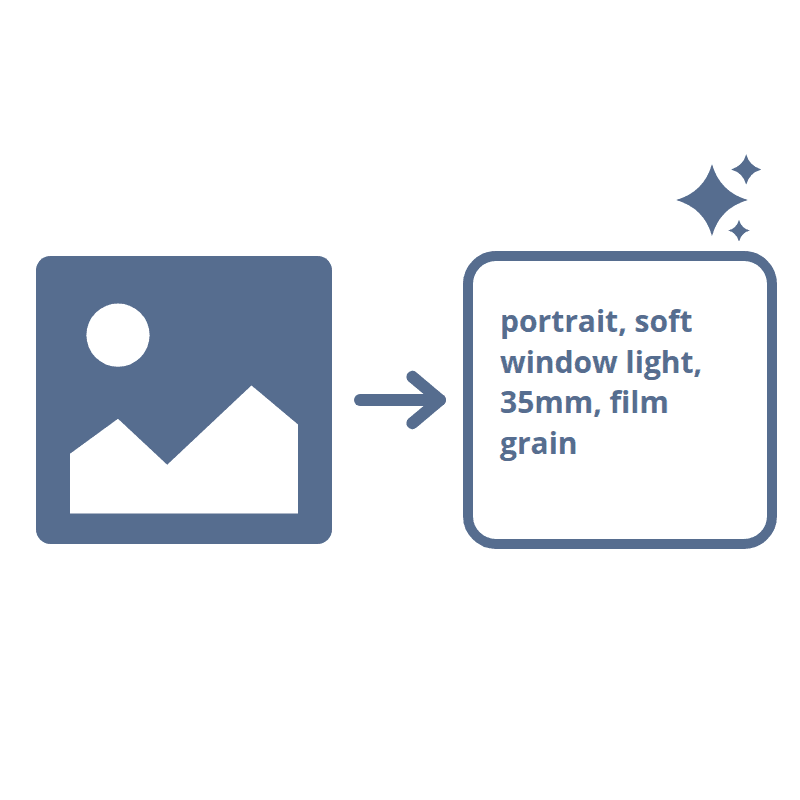
How to turn an image into a prompt
- 1Drop your images (PNG, JPG, or WebP) into the upload area — Pro converts up to 10 at once.
- 2Pick your target model — Midjourney, Stable Diffusion, or Flux — or the universal mode for Nano Banana (Gemini), GPT Image, and any other generator.
- 3Click Generate Prompts — the AI reverse-engineers each picture on our servers into a detailed prompt in a few seconds.
- 4Copy the prompt with one click, or hit Create with AI to open our AI image generator in a new tab with the prompt pre-filled.
Frequently Asked Questions
What is an image-to-prompt converter?
It's the reverse of text-to-image: instead of typing a prompt to get a picture, you upload a picture and get the prompt back. The AI analyzes the subject, style, lighting, composition, and mood of your image and writes a prompt that would produce a similar result — perfect for recreating a look you found, remixing a reference image, or learning how to prompt better.
Which AI models are supported?
Pick the target and the prompt is written in that model's preferred style: Midjourney gets compact, evocative phrasing with an aspect-ratio flag computed from your image and added automatically; Stable Diffusion gets comma-separated tags and keywords; Flux gets an extra-long, flowing natural-language prompt. For everything else — including Nano Banana (Gemini) and GPT Image — the universal mode writes a detailed natural-language prompt that instruction-following models respond to best.
How accurate are the prompts?
The underlying vision model was trained specifically to write image-generation prompts, so it captures the subject, setting, colors, lighting, composition, artistic style, and mood in the vocabulary generators understand. No prompt reproduces an image pixel-perfectly — think of the result as a strong starting point that you can paste in as-is or tweak to steer the output.
Can I generate a new image from the prompt?
Yes — every result has a Create with AI button that opens our AI image generator in a new tab with the prompt pre-filled, so you can adjust it and generate a fresh image in a couple of clicks.
Is it free?
Yes — you get a few free AI credits per day, shared across all Imagy AI tools and counted by IP, no sign-up required. Imagy Pro removes the daily limit and bills a flat 1 AI credit per image from your monthly allowance, with faster parallel processing for batches.
Are my images private?
Your images are processed on our own servers to generate the prompt and are never shared with third-party APIs or advertisers. Uploaded originals are deleted automatically within 48 hours. Only the generated text is kept in your browser for copying.
Can it also describe images in plain language?
Yes — switch to the Describe mode and the same tool writes detailed descriptions, marketing copy, social media captions, accessibility alt text, and keyword tags, with its own length control per output and results in 15 languages.
I have another question
We are always happy to get feedback to expand the tool or clarify things.